
A while back I was on vacation in Spain.
Before the trip I had been trying to learn Spanish for months - bouncing between Busuu, Duolingo, Drops, Anki, and a couple of other apps. They were all fine. They were all good at something. But none of them were quite right for me.
Duolingo turned vocabulary into a game I felt I had to "play." Drops looked beautiful but felt shallow. Anki was powerful but unforgiving - and ugly enough that I avoided opening it. Busuu had structure but I'd lose interest after a week. The common problem: every one of them required me to stop what I was doing and study. Open the app. Sit there. Tap through cards. Get a streak notification.
Sitting on a beach in Spain, half-listening to people order in Spanish around me, it occurred to me that the words I actually wanted to learn weren't going to land if I had to schedule them in. They had to come to me. Quietly. While I was already on my phone doing something else.
That was the seed.
The first version was a browser tab
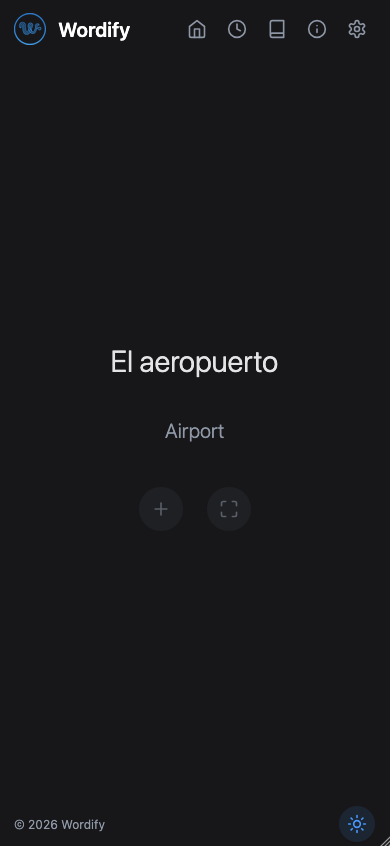
I came home and built the dumbest possible prototype: a web page that showed one Spanish word and its English translation, nothing else. I set it as my new-tab page in Chrome. Every time I opened a new tab - which, for a developer, is dozens of times a day - there was a word waiting for me.
I kept tinkering with that web version for a few months. Adding word lists, swapping the design, tweaking the rotation logic. It worked. Not in a dramatic way. Just in a "huh, I actually remember that one" way, weeks later, when something I'd seen passively suddenly felt familiar in conversation.
But after a while it became obvious that a browser tab wasn't where I actually spent most of my attention. My phone was. Specifically: the lock screen. The notification shade. The home screen. That's where I needed the words.
So I scrapped the web version and started over.
Flutter, evenings, and weekends
The first commit to the mobile codebase was on November 2025 - about five months ago. I'm an Android user, so Flutter was the natural choice; I could ship to both platforms eventually from one codebase.
Five months sounds short, but every minute of it was side-project hours. Evenings. Weekends. Vacation days where I told myself I'd "just fix one thing" and then disappeared into refactoring for six hours.
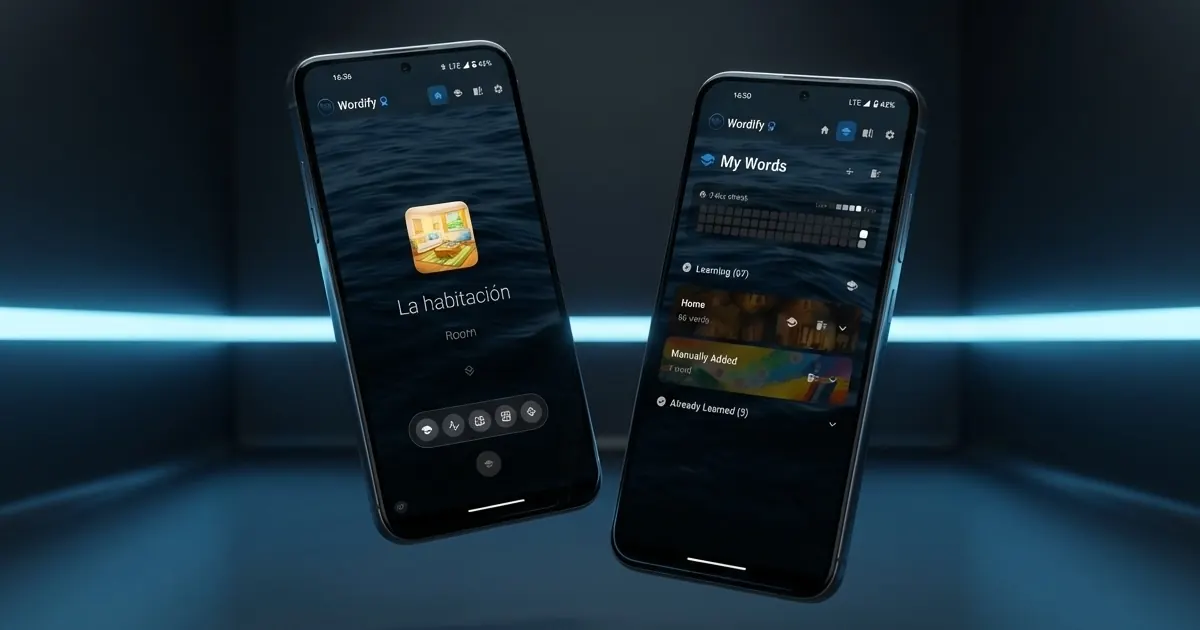
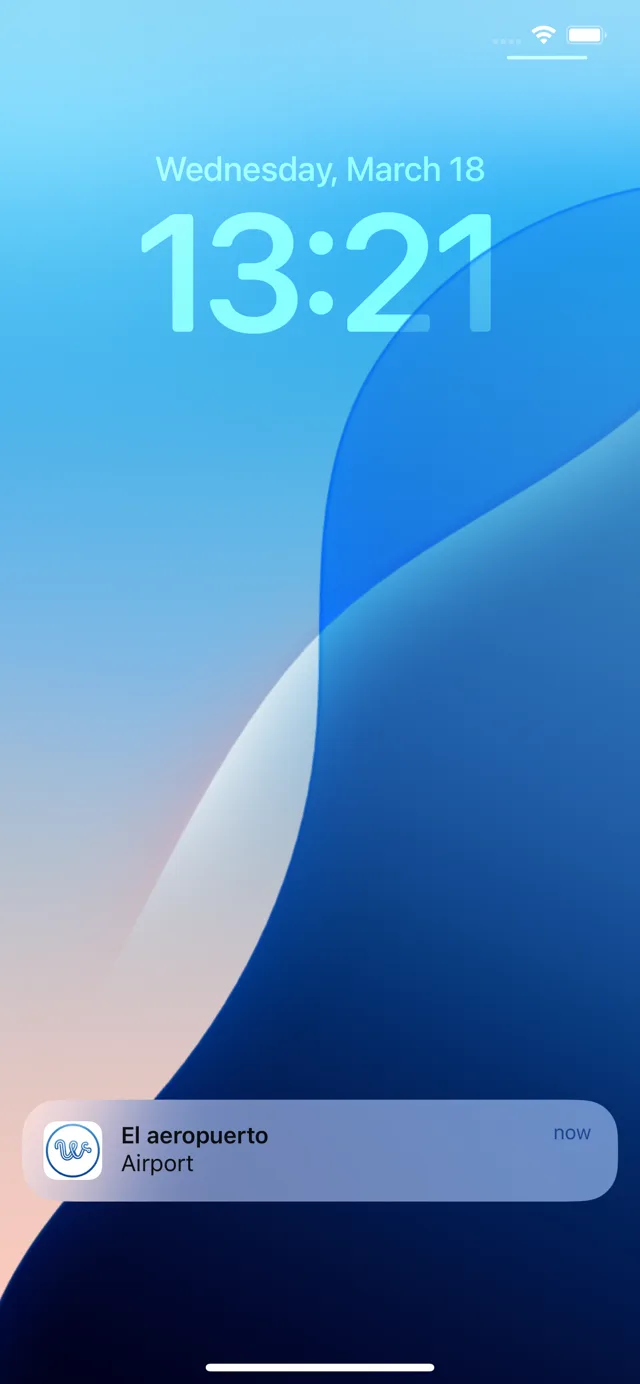
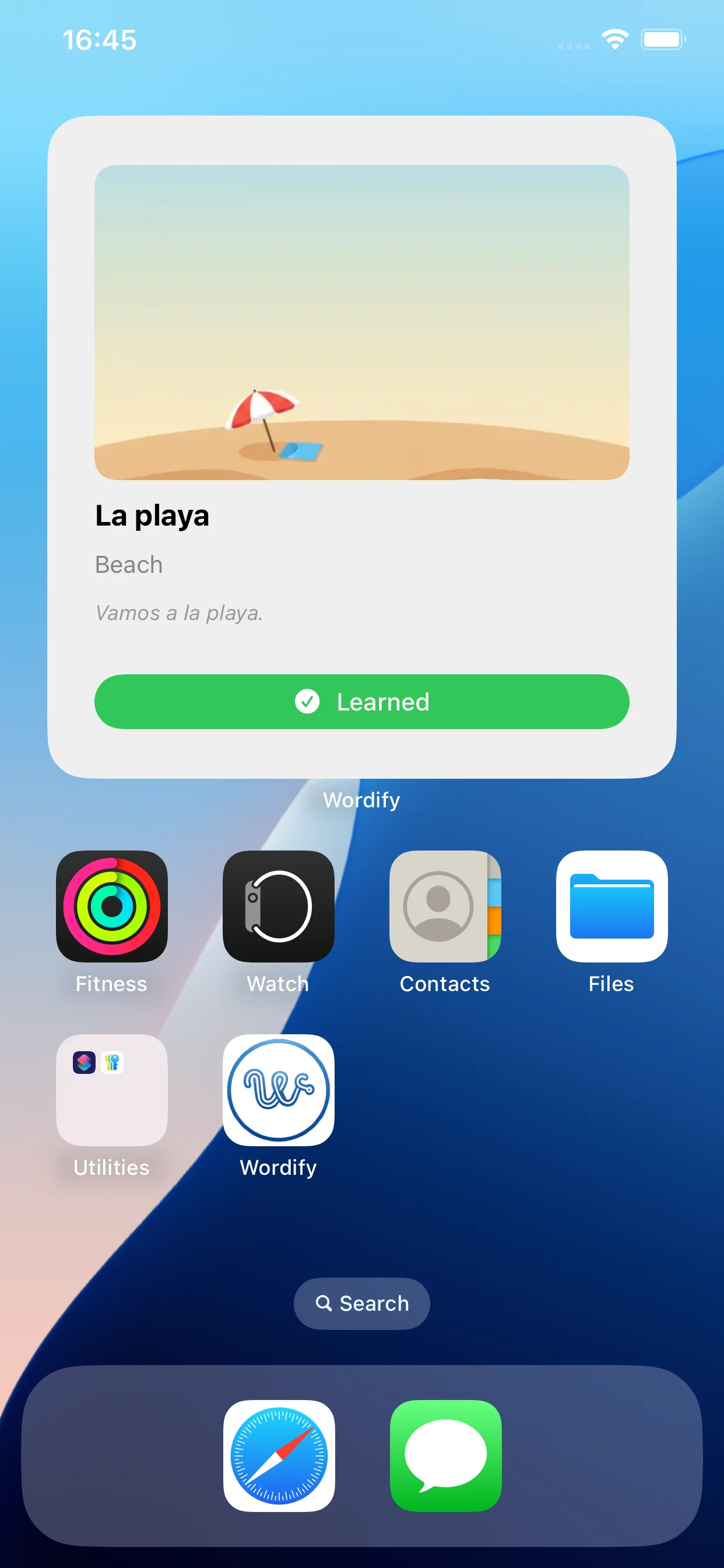
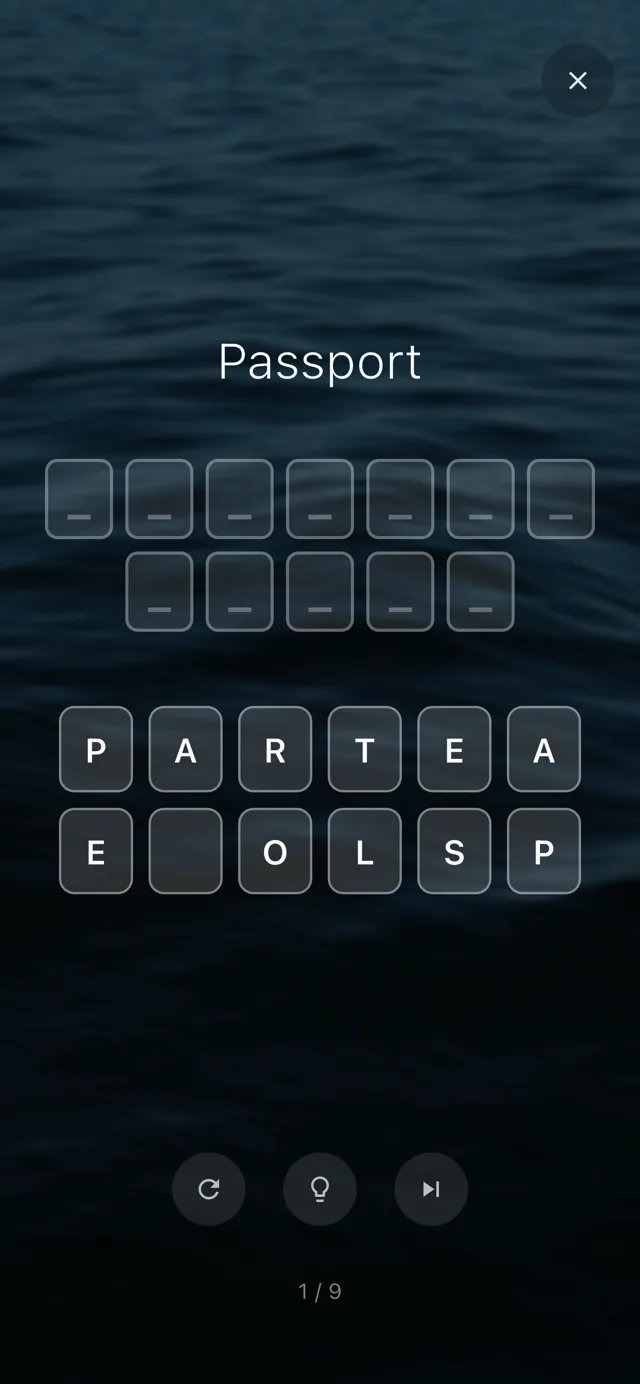
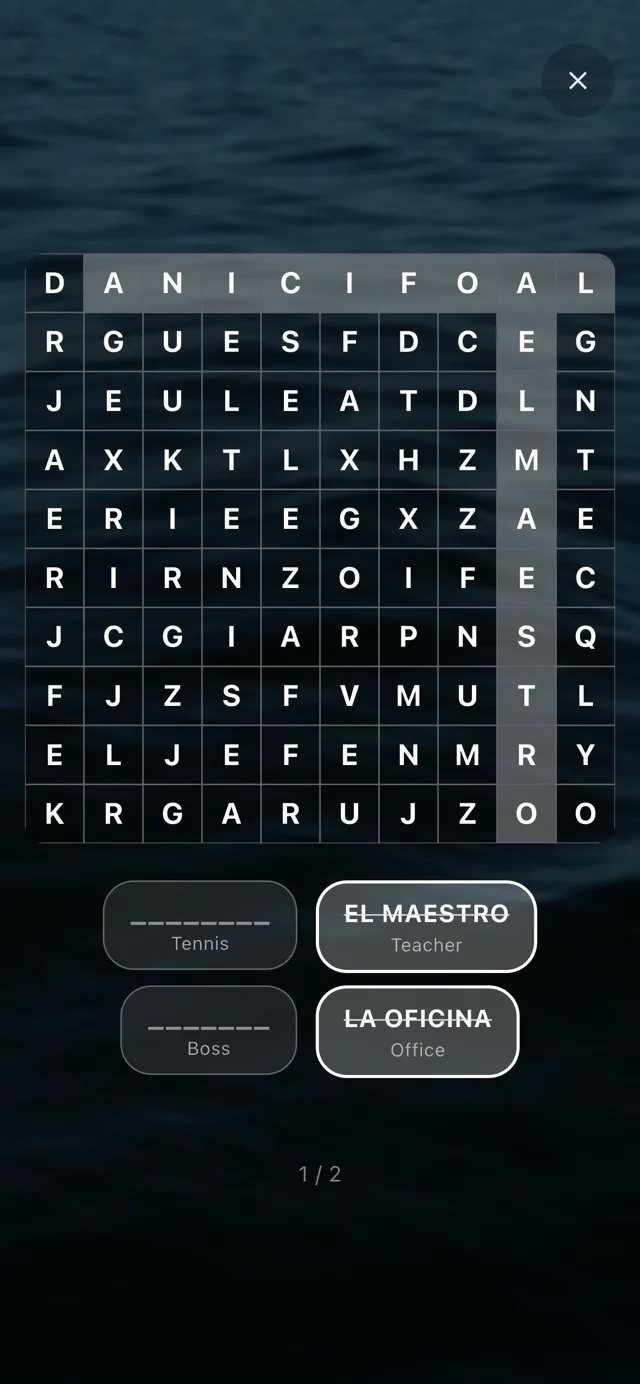
I was building it, using it, and adding features as I went. Notifications came first - a persistent word sitting in the notification shade was the closest thing to my "browser tab, but on my phone" idea, and as an Android user that's the surface I lived on. Then home screen widgets in three sizes, because not every glance at the phone goes through the notification shade. Then notifications that update silently as words rotate. Then the SM-2 spaced-repetition algorithm so I'd see harder words more often. Then five training modes for the days when passive learning wasn't enough and I wanted to actually drill. Then 19 word collections. Then a heatmap to see my streak. Then sentence builder. Then…
The pile of 'just one more thing'
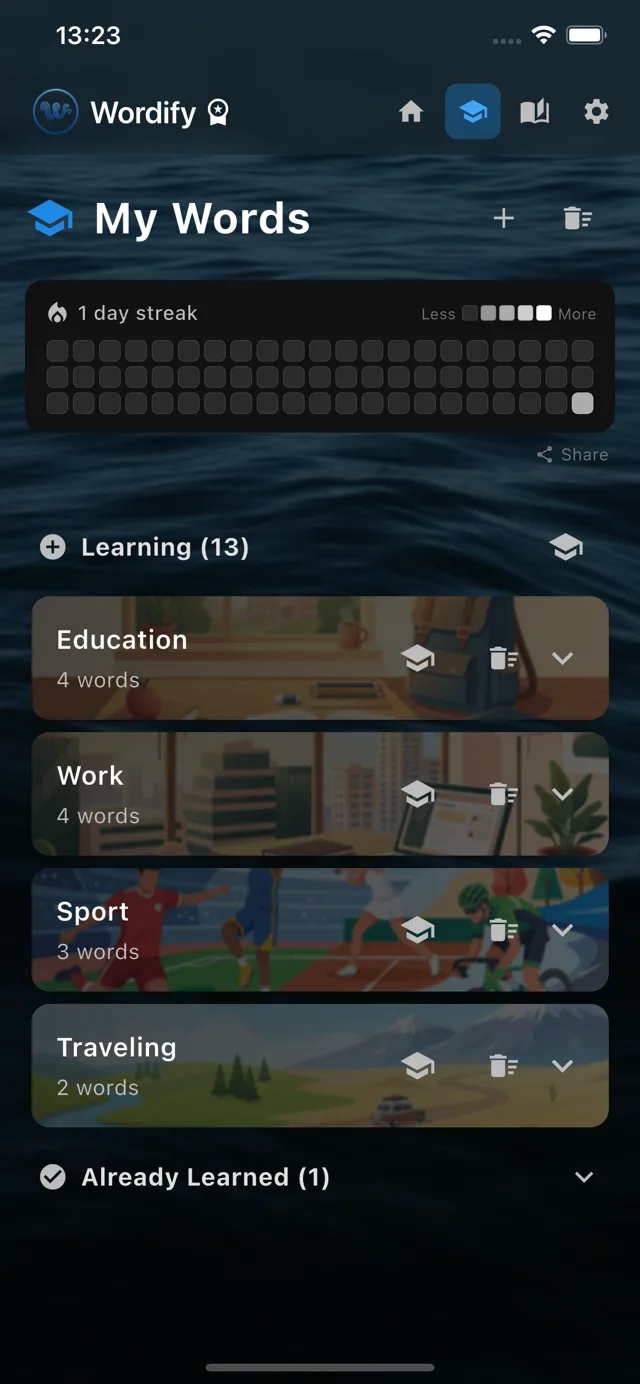
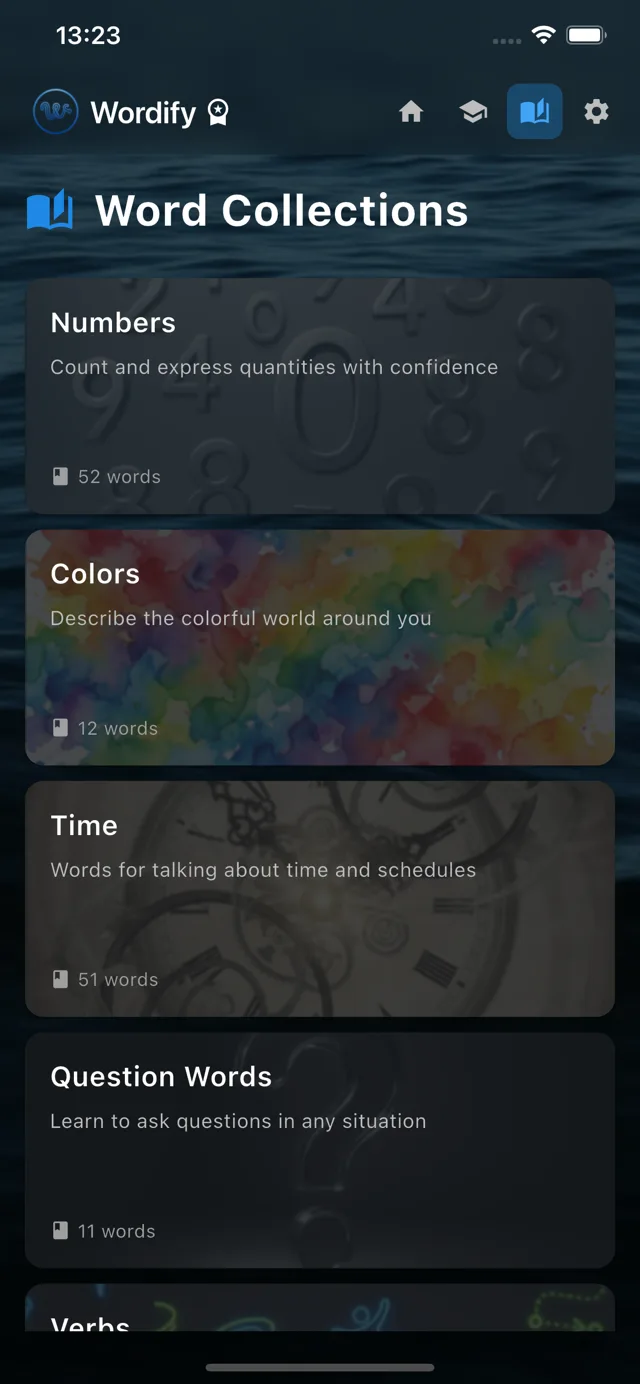
You know how this goes. Every weekend, one more thing.
At some point, the codebase became the kind of mess where adding new features started feeling slower than rewriting them would be. So I did the unglamorous thing every developer dreads: I stopped adding features and spent a chunk of weekends refactoring. Splitting providers properly. Cleaning up the database schema so any of the 7 supported languages could be the source or target without redundant translations. Making the widget sync logic actually trustworthy.
Five training modes
For the days when passive learning wasn't enough and I wanted to actually drill.
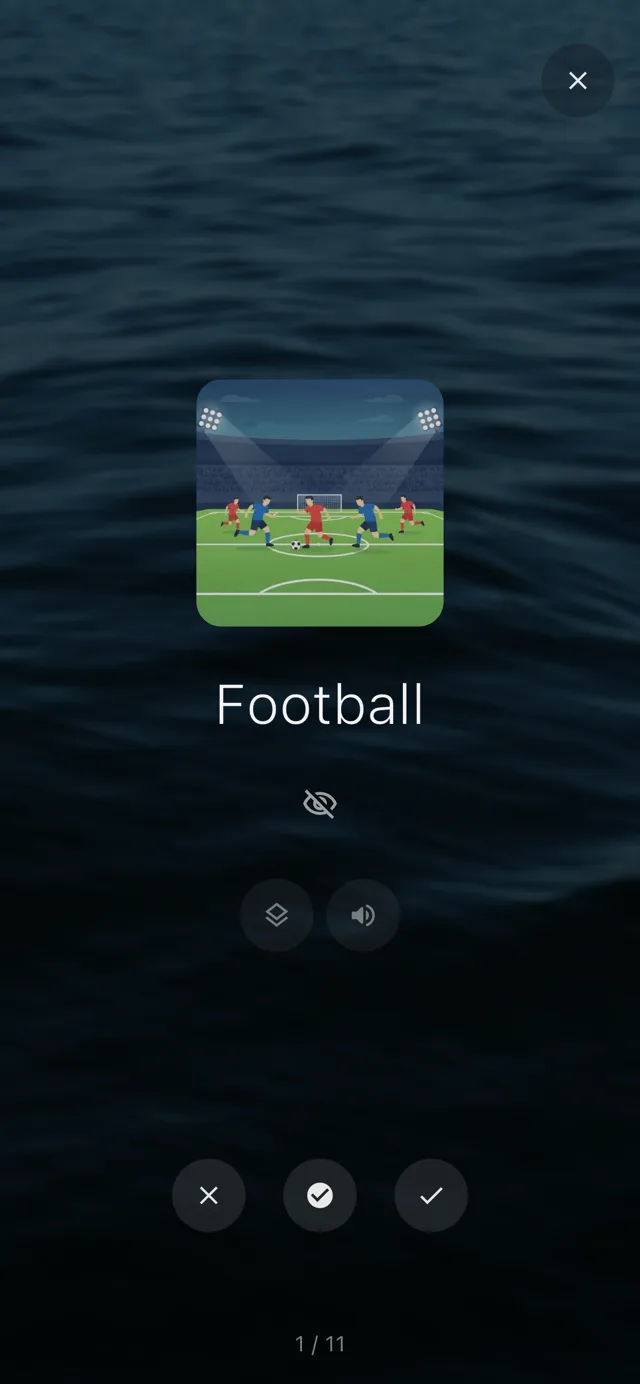
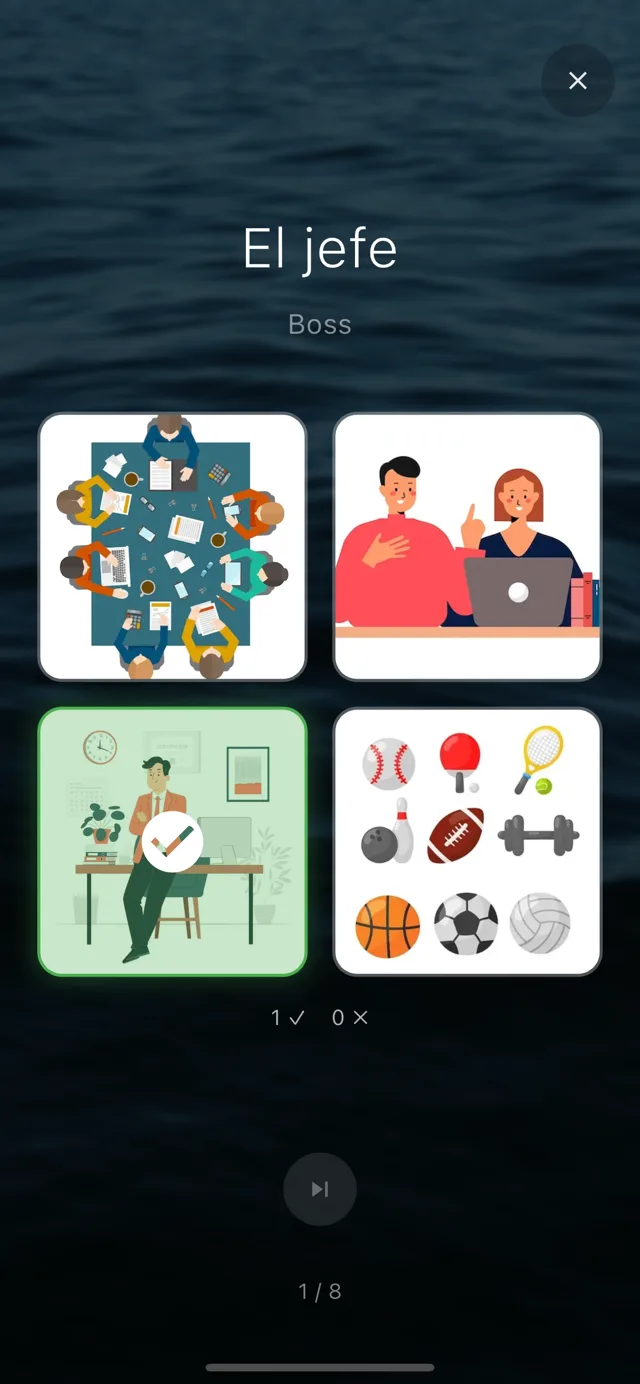
That refactoring is the reason Wordify is on iOS today, by the way.
Buying a Mac mini
Once the Android version was on the Play Store and I was actually using it daily, my friends with iPhones kept asking when they could try it. I owned exactly zero Apple hardware - my main machine is Linux. I held out for a while, but eventually I caved and bought a Mac mini.
Building the iOS version was its own adventure. iOS lock-screen widgets at iOS 16+ have strict size and rendering constraints. The native side is Swift - WidgetKit, App Intents - which I was learning from scratch. App Store Connect is a different beast from Play Console. The two-way sync between Flutter and the native widget code took longer to get right than I'd like to admit.
But it shipped.
What I've learned
I started Wordify because I wanted Spanish vocabulary to slip into my day, and along the way I picked up a few hundred Spanish words almost without noticing. Which is exactly what I'd hoped would happen.
But I also learned a lot of things I didn't expect to:
- That shipping to two app stores is genuinely harder than the actual coding
- That GDPR compliance, App Privacy declarations, Data Safety forms, and privacy policies will eat a whole weekend you weren't expecting
- That refactoring your own messy code is somehow the most rewarding part of a side project
- That side projects scale on weekends, not enthusiasm
Wordify isn't free, because I spent months of evenings and weekends on it (and that's only counting the mobile rewrite - the web prototype before it was a project of its own). But it's priced to be affordable, with a monthly subscription or a one-time lifetime purchase. There's a 7-day trial, and the free tier covers the Numbers and Travel collections fully, so you can decide if it's right for you without paying.
I'm not going to stop improving it. There's a list of features I want to add. More languages eventually. A statistics dashboard. Probably an Apple Watch companion at some point. But the core idea - vocabulary that comes to you, instead of asking you to come to it - that's not changing.
If you're trying to learn a language and the existing apps aren't quite landing, give Wordify a try. And if you have feedback, I'd love to hear it.
See also:
- How spaced repetition actually works - the algorithm behind Wordify, in plain English.
- Lock screen widgets that actually teach you something - an honest roundup of apps that turn the lock screen into a passive teacher.
- Why I stopped using Duolingo - the app that didn't quite work for me, and the gap that started Wordify.
Try the app
Vocabulary that comes to you
Through home screen widgets, lock screen widgets, and notifications. 7-day free trial. No account needed.