
Build your vocabulary, even without opening the app.
Wordify is a calm, scholarly vocabulary app for iOS and Android. It slips curated vocabulary into your day through ambient widgets and notifications, and a few minutes of review locks each word in for good.
Android 7.0+ · iOS 16.1+ · No account required.
Philosophy
The ambient learning method
We believe true mastery requires rhythm, not rush. Wordify is designed around the principles of cognitive ease and retention.
Passive exposure
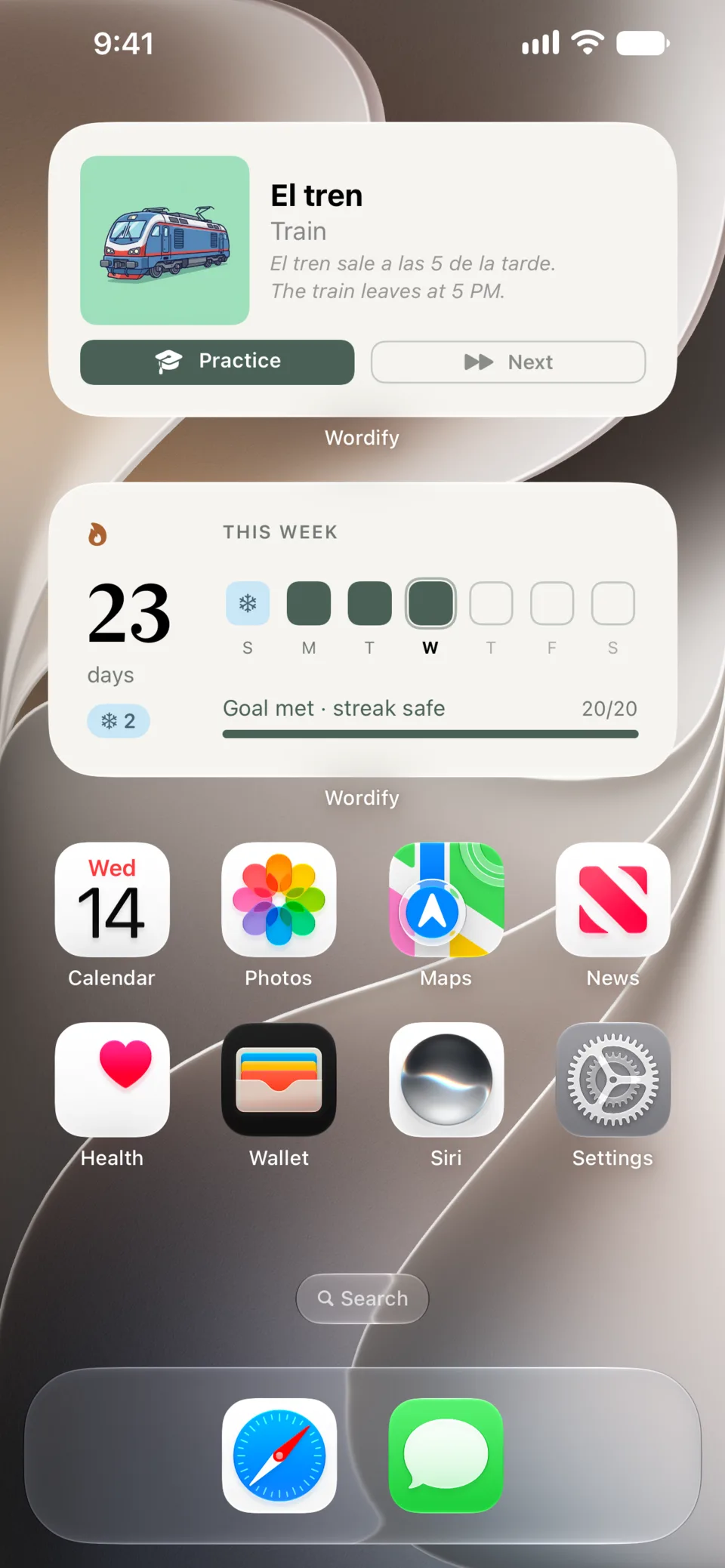
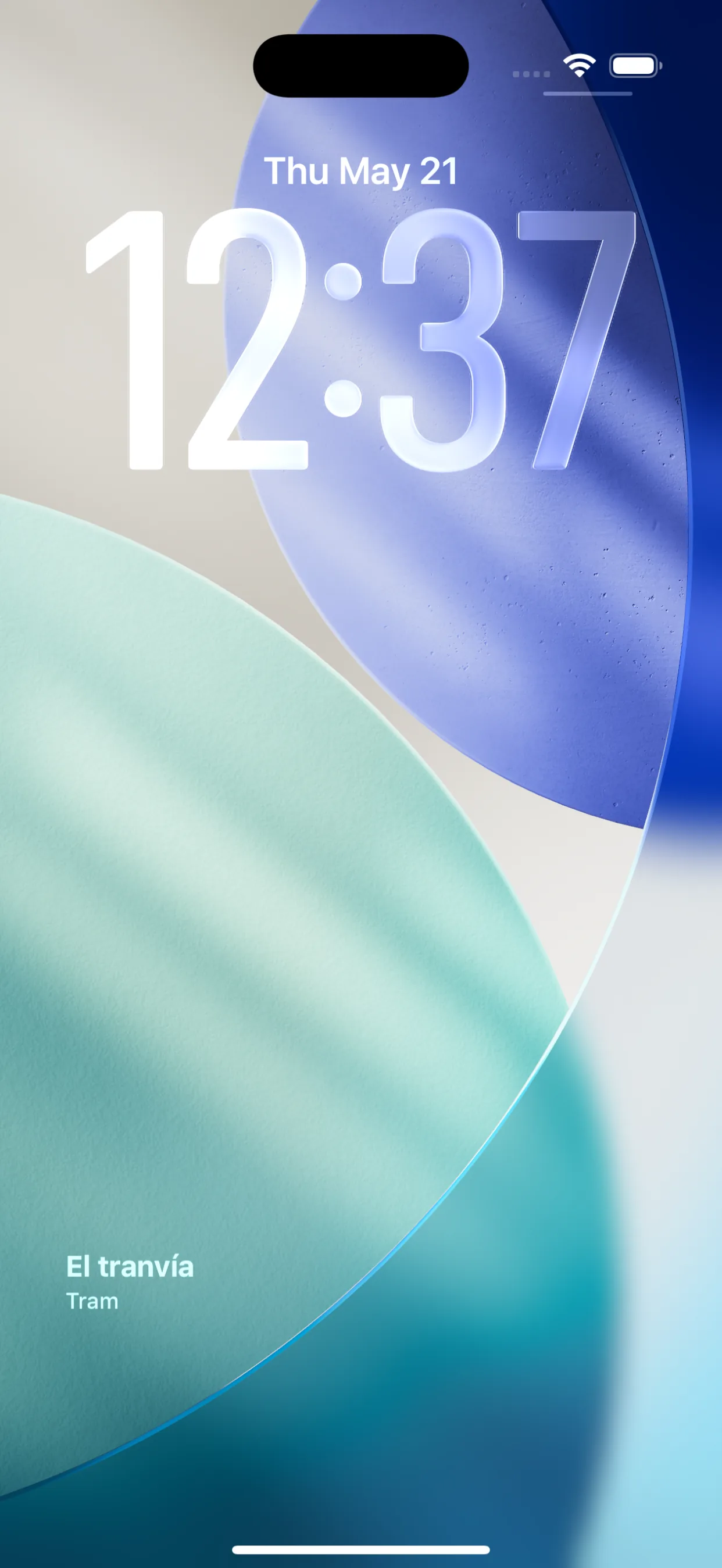
Learn without logging in. Wordify lives on your home screen, lock screen, and notification shade - gently introducing words into your daily visual environment.
Scientific spacing
Our SM-2 algorithm schedules reviews at optimal intervals, ensuring long-term retention based on established spaced-repetition psychology.
The library
Curated for excellence
A carefully selected vocabulary designed to elevate your everyday language.
The shelf
Everything you need
Smart tools that make vocabulary stick - from passive reminders to active games.
Learn
5 Training Modes
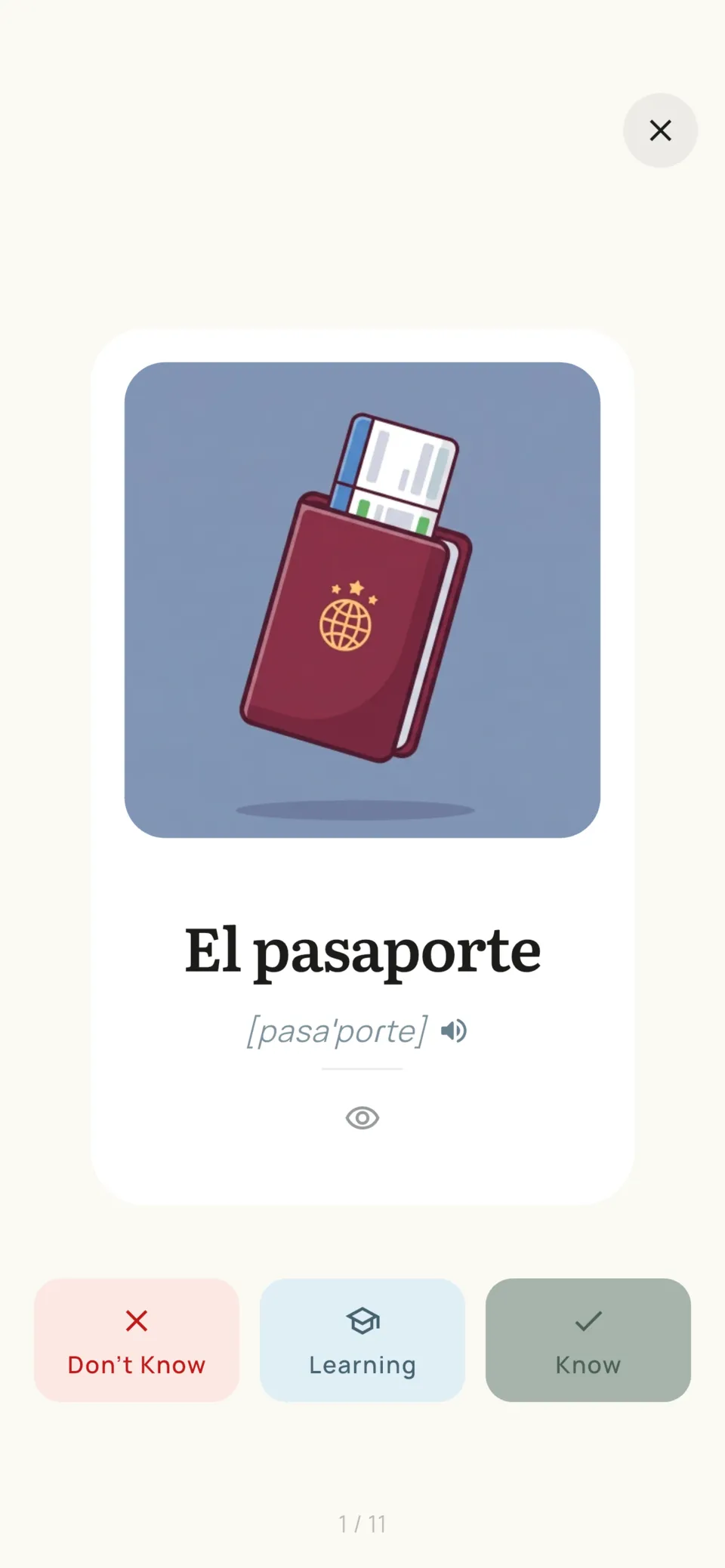
Flashcards, Spelling, Word Search, Picture Match, Sentence Builder.
Spaced Repetition
SM-2 algorithm schedules reviews at the right time.
Audio Pronunciation
Hear every word read aloud with device TTS (Premium). Hold the speaker to play it on repeat.
IPA Pronunciation
Every word in all 10 languages ships with phonemic IPA transcription.
Usage Examples
See words in context with real example sentences.
Your words
Personal Word Library
Add your own words with pictures. See what you're still learning and what you've mastered.
Add Your Words by Photo
Snap an object and AI names it in the language you learn, with a translation and example sentences.
28 Collections
2,495 pre-built words: Home, Sport, Work, Travel, Food, Health, Technology and more.
Swipe to Discover
Swipe through word cards: right to learn, up if you already know it, left to skip.
Global Search
Find any word across all 28 collections - each result labeled with its collection.
10 Languages
EN, ES, PT, IT, DE, FR, ET, PL, RU, UK - any pair, dynamically.
Always with you
Passive Learning
Word always visible in your notification shade - plus widgets.
Auto Word Rotation
Words change automatically - 5min–3hr intervals on Android, WidgetKit timeline on iOS.
Home Screen Widget
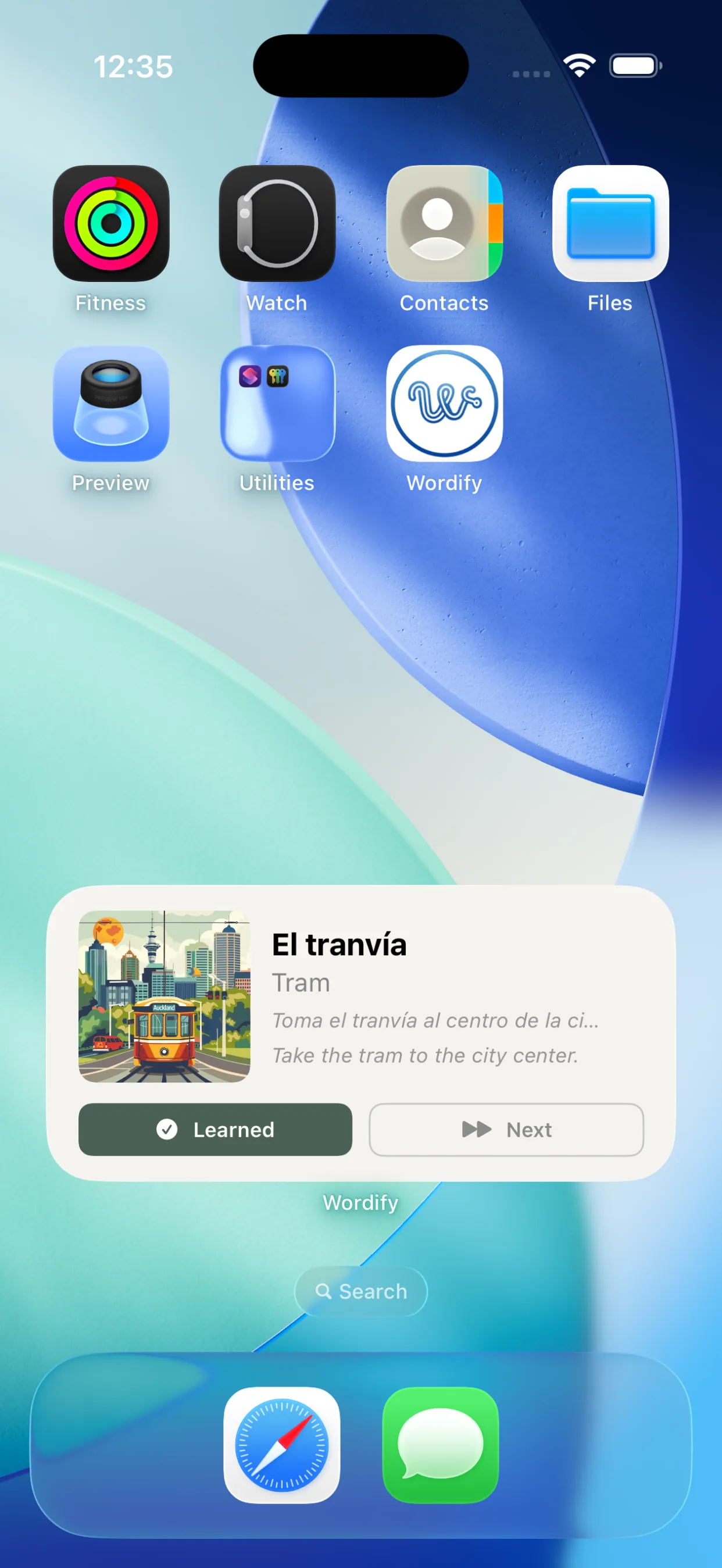
Native widgets on Android (3 sizes) and iOS (3 sizes, interactive iOS 17+).
iOS Lock Screen Widget
Word and translation directly on your iPhone lock screen (iOS 16+).
Works Offline
Learning works without internet. No account needed.
Progress
Streak & Heatmap
Track daily learning with a GitHub-style activity calendar. Streak Freezes cover a missed day (Premium).
Daily Goal
Pick 10 to 50 words a day. A streak day counts when you reach it: small and steady wins.
Insights
Charts of your activity, mastery, accuracy, hardest words and what is due next.
Backup & Restore
Back up to iCloud or Google Drive, or save a backup file. Move your words, progress and streak to a new phone.
The study
Five ways to practise
Different ways to learn mean better retention - pick your style or mix them all.
Classic card-flip learning with SM-2 spaced repetition. Tap to reveal translations and rate your recall.
The ledger
Consistency, gently kept.
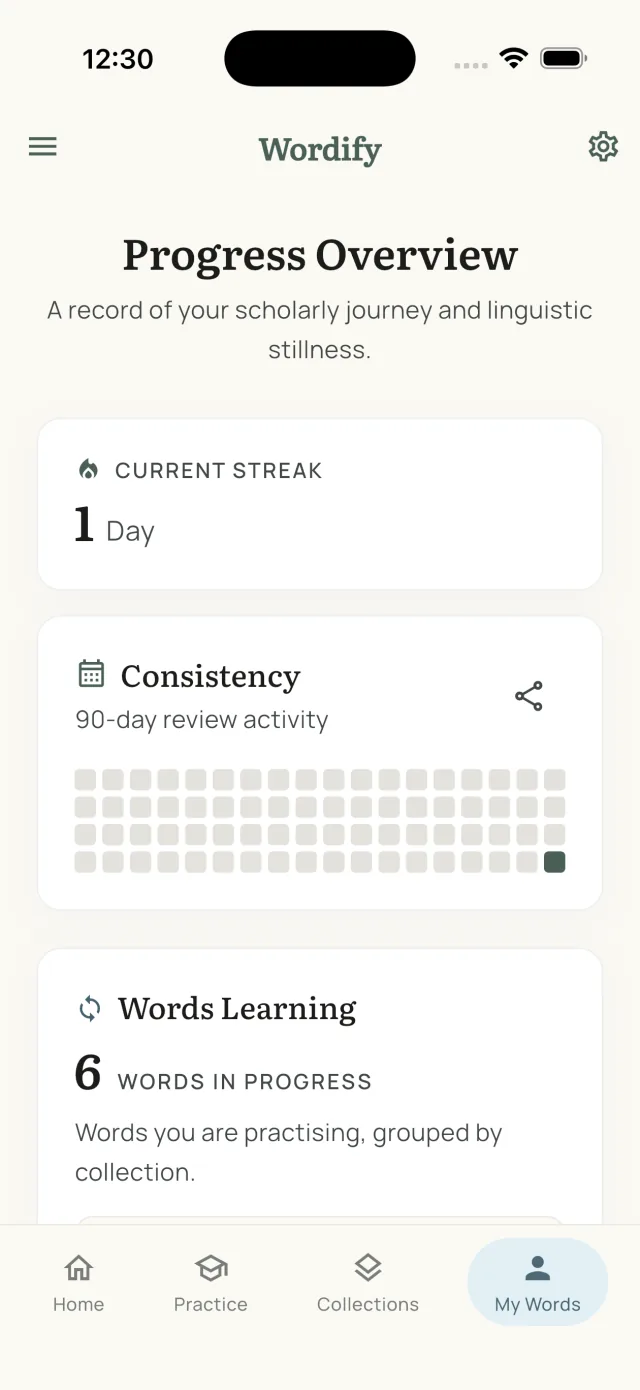
Track daily streaks and review activity with a 90-day heatmap. Share your progress and keep your chain unbroken.
Last 90 days
73 active days
Current streak
12 days
Passive learning
Learn without trying.
Wordify teaches vocabulary even when you're not using the app - through home screen widgets, lock screen widgets, and notification reminders. Every glance at your phone becomes a learning moment.
- Persistent word notification in notification shade (Android & iOS)
- Home screen widget on Android (3 sizes) and iOS (interactive, iOS 17+)
- iOS lock screen widget - word & translation without unlocking (iOS 16+)
- Mark as learned without opening the app (notification or widget)
- Words rotate automatically on a schedule - every 5 min to 3 hr on Android (Premium)
- Smart daily reminder - only fires when words are actually due
Your words
Not just our collections. Yours too.
The curated library is a starting point, not a boundary. Add the words you actually run into and Wordify treats them exactly like the built-in ones - scheduled, trained, and surfaced on your lock screen.
- Add any word with your own translation - from a textbook, a conversation, or a street sign
- Attach a picture via Pixabay search, your camera, or the photo library
- Custom words join the same SM-2 review queue and all five training modes
- They rotate through your widgets and notifications like any built-in word
- Kept alongside your collections in My Words, with Learning and Learned sections
- 20 custom words free - unlimited with Premium
The tariff
Choose your path
Invest in your lexicon with a plan that fits your rhythm.
New users get a 7-day full premium trial on first install.
Yearly
~$2.42/mo · save 31%
7-day free trial · prices vary by region
- Everything in Premium
- Best value vs monthly
- Billed once a year
Monthly
7-day free trial included
Prices may vary by region
- Unlimited words & training
- Add words by photo, no limit
- Save words from all 28 collections
- Audio pronunciation (TTS)
- Faster word rotation (5 min on Android, 15 min on iOS)
- Widget "Next Word" button
- Cloud backup to iCloud & Google Drive
- Streak Freezes & Streak Repair
Lifetime
- Everything in Premium
- One-time payment, no renewals
- All future updates included
| Feature | Free | Premium |
|---|---|---|
| All 5 training modes | ✓ | ✓ |
| Collection review | ✓ | ✓ |
| Word notifications | ✓ | ✓ |
| Home & lock screen widgets | ✓ | ✓ |
| Daily goal & streak | ✓ | ✓ |
| Insights | ✓ | ✓ |
| Backup file & restore | ✓ | ✓ |
| Custom words with pictures | 20 words | Unlimited |
| Add words by photo | 3 photos | ✓ |
| Save collection words | Numbers + Traveling | All |
| Daily training time | 10 min/day | Unlimited |
| Auto word rotation | ✓ 1hr min | ✓ 5min+ (Android) · ✓ 15min+ iOS widget |
| Audio pronunciation (TTS) | ✗ | ✓ |
| Notification "Next" button | ✗ | ✓ Android |
| Widget "Next Word" button | ✗ | ✓ Android & iOS |
| Streak Freezes | ✗ | ✓ Up to 2 |
| Streak Repair | ✗ | ✓ Once every 30 days |
| Cloud backup (iCloud, Google Drive) | ✗ | ✓ |
The blog
From the blog
Stories, decisions, and lessons from building Wordify.

How many words do you need to know to speak a language?
1,000 words is enough for everyday conversation. 3,000 covers 95% of daily life. The real numbers for every CEFR level from A1 to C2, and how 10 words a day gets you conversational in 3 months.
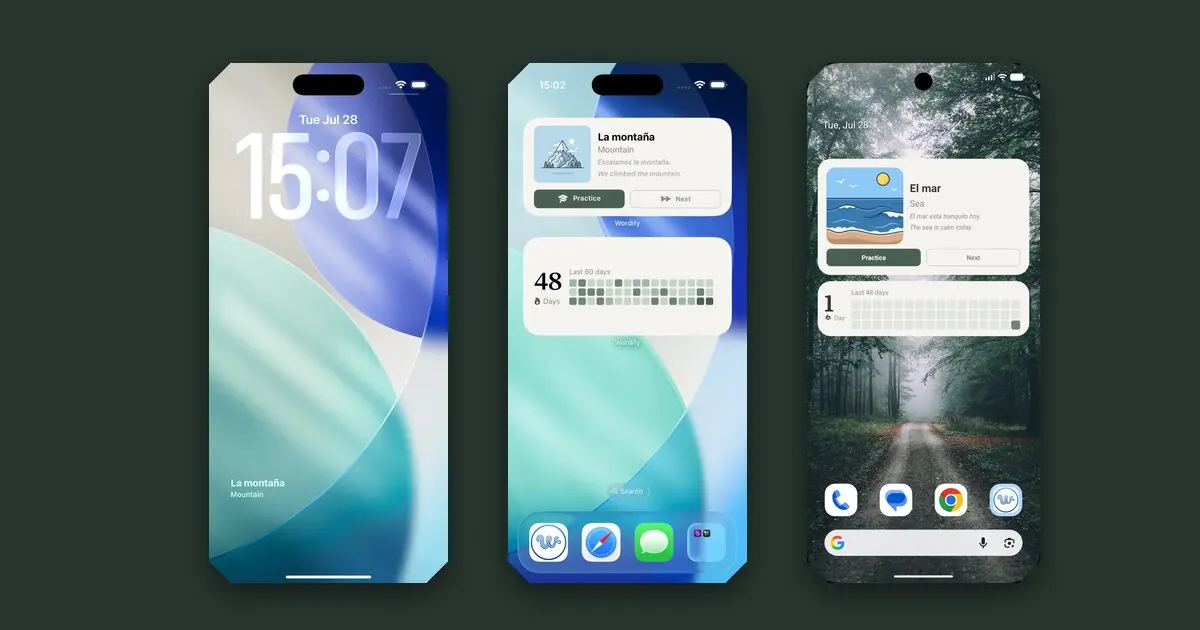
How to add a vocabulary widget to your lock screen
A step-by-step guide to putting vocabulary on your lock screen and home screen - the exact taps on iPhone and Android, how often the word changes, and what to do when a widget stops updating.
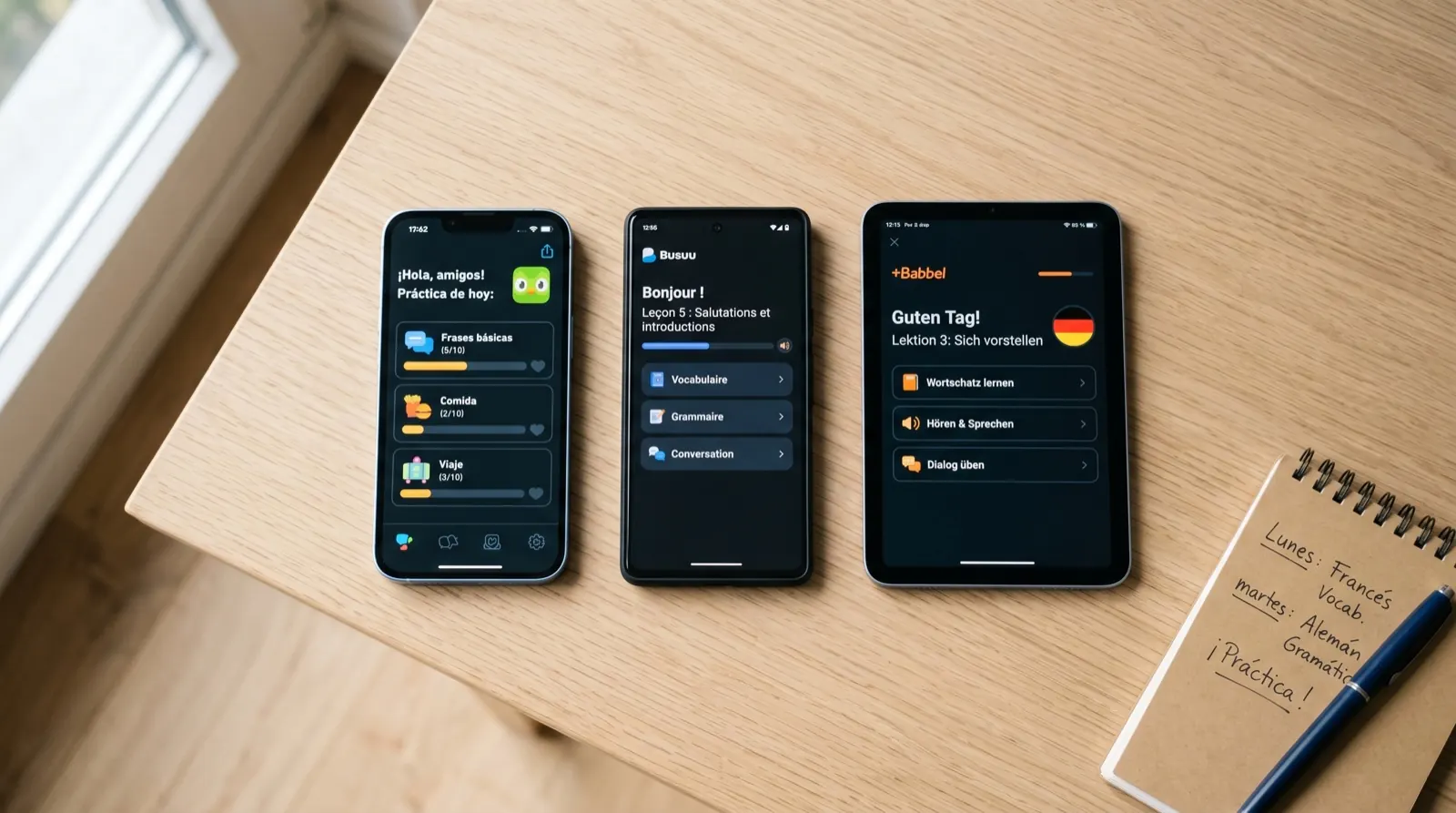
10 best Duolingo alternatives in 2026 (free and paid)
An honest comparison of 10 Duolingo alternatives for 2026. What each app does well, what it doesn't, and which one is right for you.
The margins
Questions, answered
Setting up the widgets, what's free, and how the words find you.
How do I add Wordify to my iPhone lock screen?
Touch and hold your lock screen, tap Customize, then tap the widget row below the clock and pick Wordify from the list. The widget shows your current word with its translation and refreshes on its own through the day. Requires iOS 16 or later.
Step-by-step guide, with screenshotsHow do I add a vocabulary widget to my home screen?
On iOS, touch and hold an empty part of the home screen, tap the + button, search for Wordify and choose a size. On Android, long-press the home screen, open Widgets, find Wordify and drag one into place. There are two widget types: the word widget and the streak widget.
Step-by-step guide, with screenshotsCan I get a word of the day on my lock screen?
Yes - and more often than once a day, if you want. Words rotate automatically on a schedule you set (5 minutes to 3 hours on Android; a device-managed timeline on iOS), so each glance can bring something new. On iOS the lock screen widget shows it directly; on Android the persistent notification stays visible on the lock screen.
Is Wordify free to use?
Yes, Wordify is free to download with a generous free tier. New users also get a 7-day full premium trial on first install. No account or sign-up required. Saving a backup file and restoring are free for everyone; cloud backup to iCloud or Google Drive is part of Premium.
Can I move my words and progress to a new phone?
Yes. Open Settings, then Backup and restore. You can back up to Google Drive, which works on iPhone, iPad and Android, so you can switch platforms; to iCloud, which restores on iPhone and iPad only; or to a backup file you save or share yourself. A backup holds your words, progress, streak and the pictures on your custom words. Saving a backup file and restoring are free; cloud backup is part of Premium. There is no Wordify account: backups go to your own storage, and we never receive them.
Which platforms does Wordify support?
Wordify is available for both Android (7.0+) and iOS (16.1+). Download it from Google Play or the App Store.
How many languages does Wordify support?
Wordify supports 10 languages: English, Spanish, Portuguese, Italian, German, French, Estonian, Polish, Russian, and Ukrainian - in any combination as source and target language.
What training modes does Wordify offer?
Wordify offers 5 training modes: Flashcards (with spaced repetition), Spelling (scrambled letter tiles), Word Search (letter grid puzzle), Picture Match (visual learning), and Sentence Builder (grammar practice).
Does Wordify work offline?
Yes, learning in Wordify works fully offline. Your words, word collections and all training modes are available without an internet connection. Only a few optional extras, such as image search, cloud backups and adding words by photo, need one.
What is passive learning in Wordify?
Wordify keeps your current study word visible in your device notification shade throughout the day. Every time you glance at your phone becomes a vocabulary moment. On Android you can even mark words as learned directly from the notification.
Ready when you are
Ready to elevate your lexicon?
Download Wordify and start with a 7-day free premium trial. No account, no ads, no rush.