
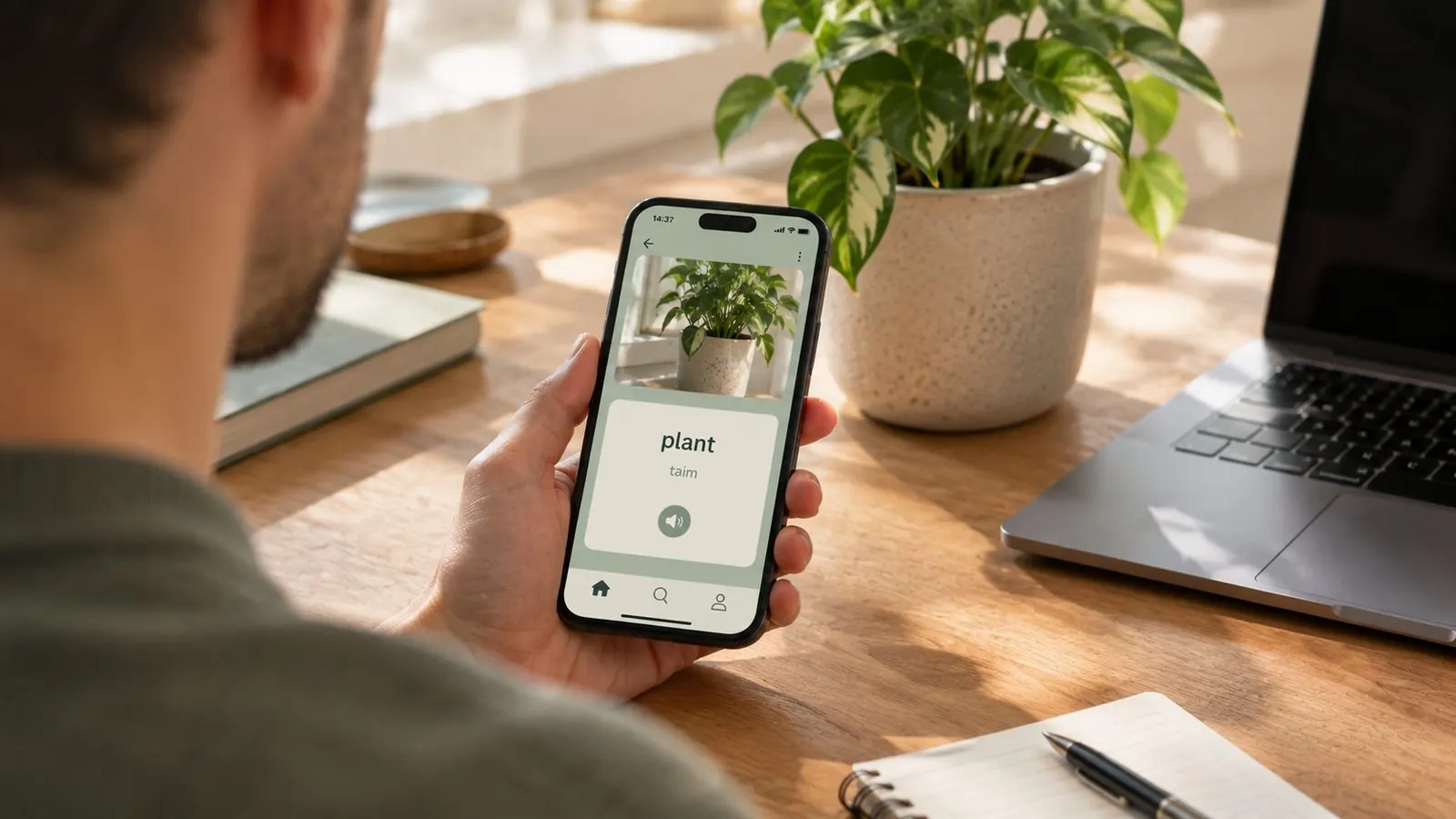
Every learner knows the moment: you're standing in your kitchen, you've studied Spanish for months, and you realize you have no idea what the kettle is called. Not petrichor, not entrepreneurship - the kettle. The thing you touch every morning.
Dictionaries are bad at this moment, because to look something up you first have to describe it. "That metal thing you boil water in" is a terrible search query. A camera skips the describing: point it at the thing, and the thing tells you its name.
That's what Add by photo does in Wordify, and it quietly changes where your vocabulary comes from.
How it works
- Tap + on the Home screen or in My Words, then Add by photo.
- Take a photo of an object, or choose one from your gallery.
- In a few seconds, AI names the object in the language you're learning, with a translation and four example sentences. If it spots more than one thing in the picture, it offers up to three and you pick the one you meant.
- Keep the example sentences you like and save. Your photo becomes the word's picture, and the word becomes one of your words like any other.
That last step matters more than the photo itself. The word isn't a one-off lookup you'll forget by dinner - it joins your list, shows up in your home screen and lock screen widgets, appears in the silent notification, and enters spaced repetition, which schedules reviews at exactly the intervals where you'd otherwise forget it.
So the kettle moment goes from "huh, I should look that up sometime" to: photographed, named, saved, and reviewed next Tuesday whether you remember to or not.
Why words from your own life stick better
There's a reason this beats a textbook list, and it isn't the novelty of the camera.
Memory researchers call it the self-reference effect: information connected to your own life is encoded more deeply than neutral information. "El hervidor" as line 14 of a kitchen vocabulary list is abstract. "El hervidor" as your kettle, photographed in your kitchen while you waited for your coffee, arrives with a scene attached. The photo moment itself is a memory hook - you'll remember where you were standing.
The second reason is blunter: you'll actually meet these words again. Textbook lists are full of words chosen for coverage; your camera roll is full of words chosen by your life. The kettle, the charger, the radiator, the cutting board - you see these daily, which means every glance is a free review.
Repetition still does the heavy lifting. Collecting the word is the start; the widget glances and the spaced repetition reviews are what move it into long-term memory.
Hear it until it sticks
A word you've only read is half a word. After the photo gives you the name, hold the speaker button and Wordify loops it - the word, its translation, the example sentences - on repeat until you let go (it's part of Premium audio). It's the closest thing to standing next to a patient native speaker who doesn't mind saying "hervidor" eleven times in a row.
Pairing the sound with the object you just photographed closes the loop: you've seen the thing, read the word, and heard it, all inside one minute.
A few ways to use it
- The kitchen tour. Ten minutes, a dozen photos, and you can name everything you touch before 9 am.
- Your desk. The stapler, the charger, the notebook - the vocabulary of your actual workday.
- The grocery store. Produce aisles are flashcard decks that someone else restocks.
- Traveling. The thing you just ordered, the sign you just puzzled out - photograph it while the context is fresh.
The pattern is the same everywhere: let your surroundings decide the syllabus.
The honest details
- It needs internet. Naming the object uses AI, so this is one of the very few features in Wordify that goes online. Everything else - training, widgets, your saved words - keeps working fully offline.
- Three photos are free. Enough to try it on your kettle, your plant and your cat's food bowl. A photo where nothing could be named doesn't count. After that it's part of Premium.
- Fill the frame. A photo of your whole desk is a question; a photo of the stapler is an answer. Get close to the thing you mean, and the word you want comes first.
- Your photo isn't kept. It goes to Wordify's server and on to an AI service (Anthropic's Claude) to be named, and it isn't stored or used to train AI. Wordify asks before your first photo.
- Your words are safe. Everything you collect can be backed up to a file, iCloud or Google Drive, so a new phone doesn't mean starting over.
Quick answers
Is there an app that tells me what an object is called in another language?
Yes. In Wordify, Add by photo takes a picture of an object and names it in the language you're learning, with a translation and example sentences. The word is saved to your list, so widgets and training keep showing it until it sticks.
Can I really learn a language by taking photos?
Photos alone won't make you fluent, but they solve the hardest part of vocabulary: collecting words you'll actually use. Words from your own surroundings are easier to remember than textbook lists, and spaced repetition does the rest.
Does Add by photo work offline?
No - naming the object uses AI, so it needs an internet connection. It's one of the very few parts of Wordify that does: learning, training and widgets all work fully offline.
Is Add by photo free?
You get 3 free photos to try it. After that it's part of Wordify Premium, alongside audio pronunciation, all collections and unlimited training.
See also:
Try the app
Vocabulary that comes to you
Through home screen widgets, lock screen widgets, and notifications. 7-day free trial. No account needed.