
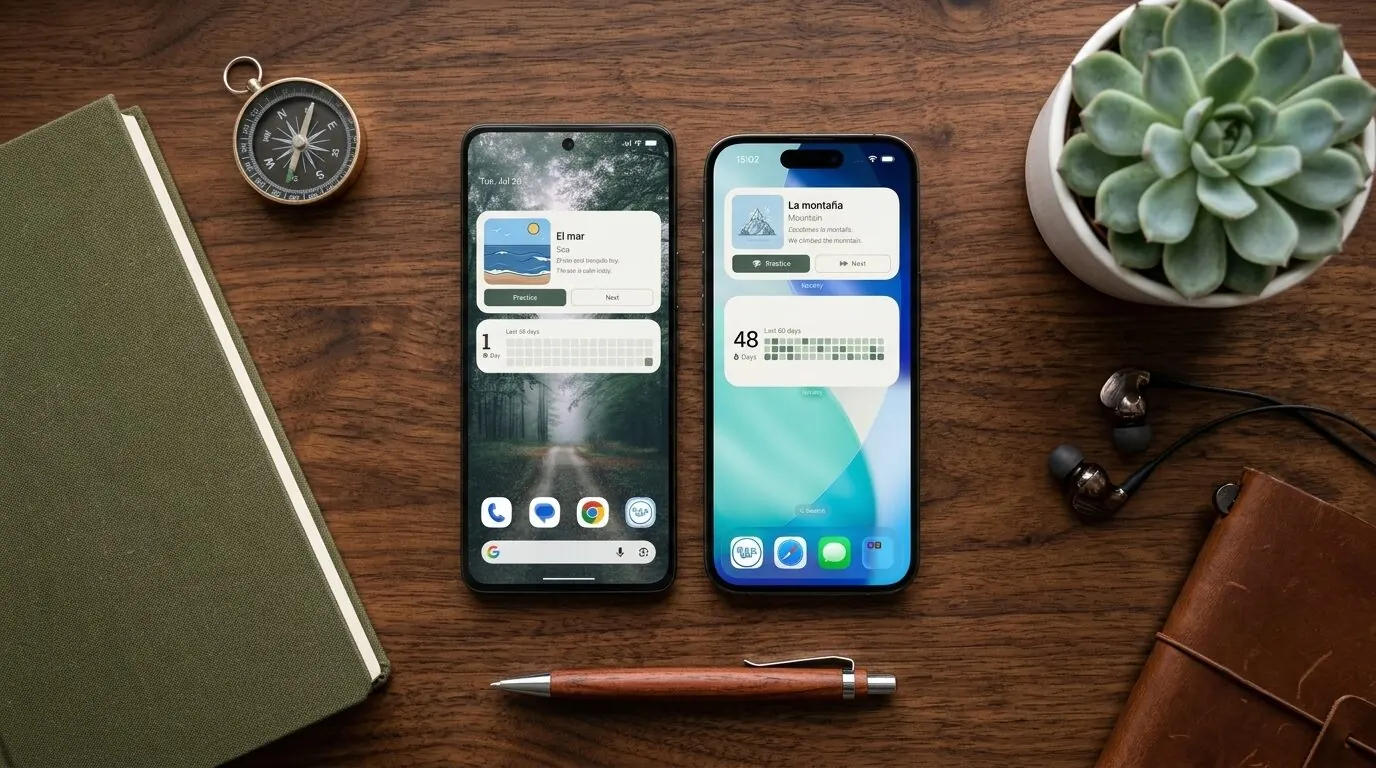
Widgets are the heart of Wordify. The whole idea of the app is that vocabulary should come to you - on your home screen, on your lock screen, in your notification shade - instead of waiting inside an app you have to remember to open.
So when we update the widgets, it matters. This release brings a new widget, a smarter layout engine, two bug fixes, and one small rename that carries more thought than its size suggests.
New: the streak widget
Wordify now has a second widget type, on both Android and iOS: the streak widget.
It shows your current practice streak as a large number, next to a GitHub-style heatmap of your recent activity. Each cell is a day; the deeper the colour, the more you reviewed. One glance tells you two things: how long you have kept the habit going, and what the shape of that habit actually looks like.
Tapping the widget takes you straight to the Practice tab.
The streak widget
A big number for the streak, a heatmap for the shape of the habit - on both platforms, in every widget size.
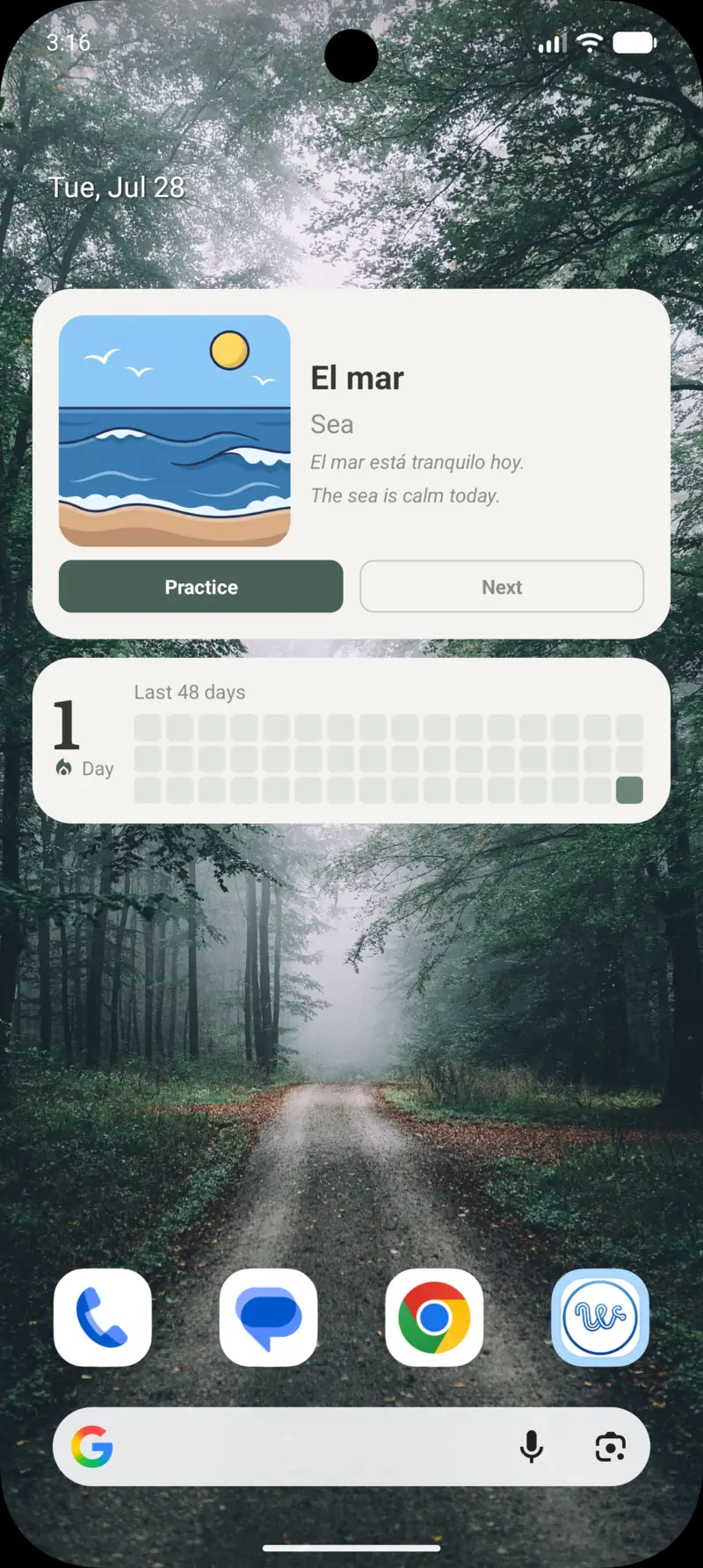
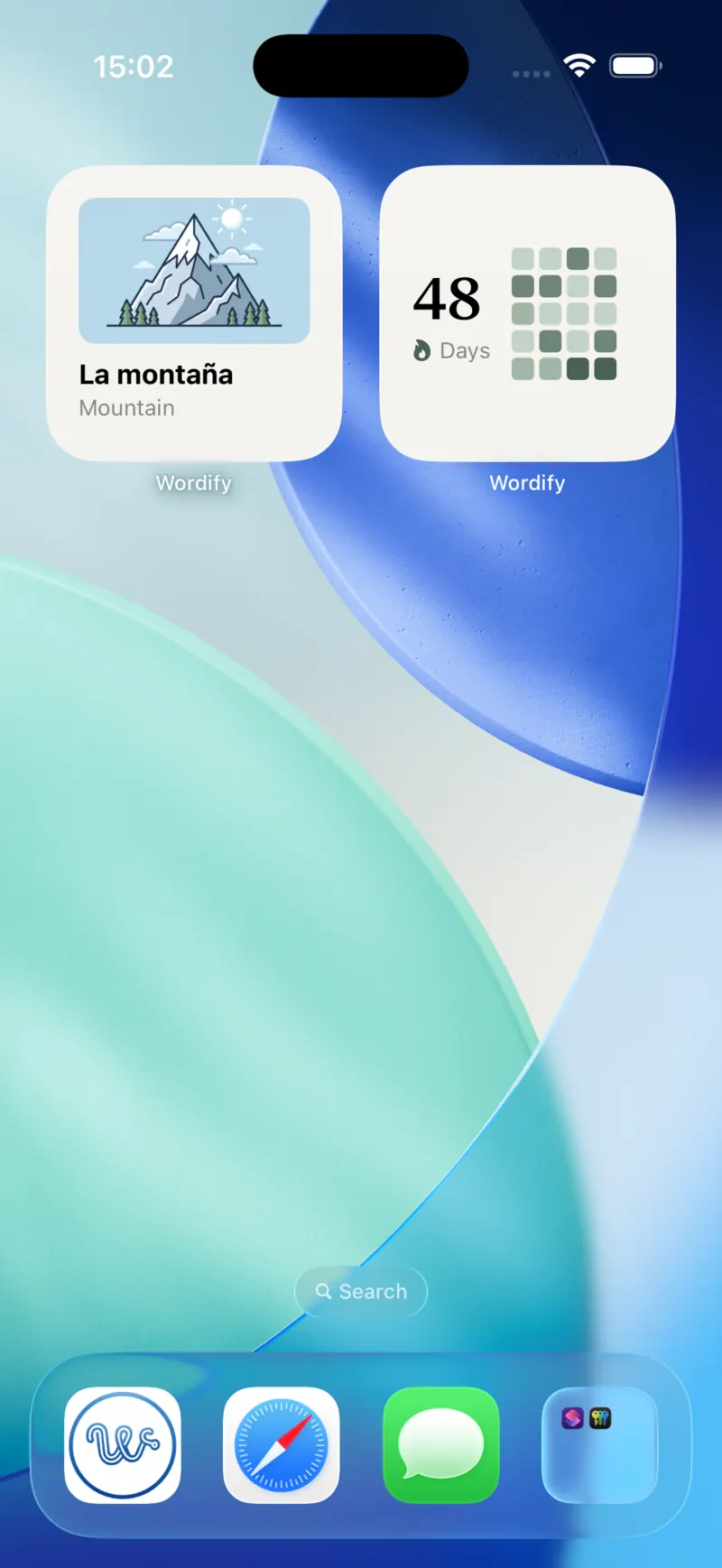
On Android, the widget starts at 4x1 and can be resized horizontally. On iOS, it comes in the small and medium widget families. It is localized in 10 languages.
The heatmap adapts to the space you give it
Here is a detail that took longer than it looks.
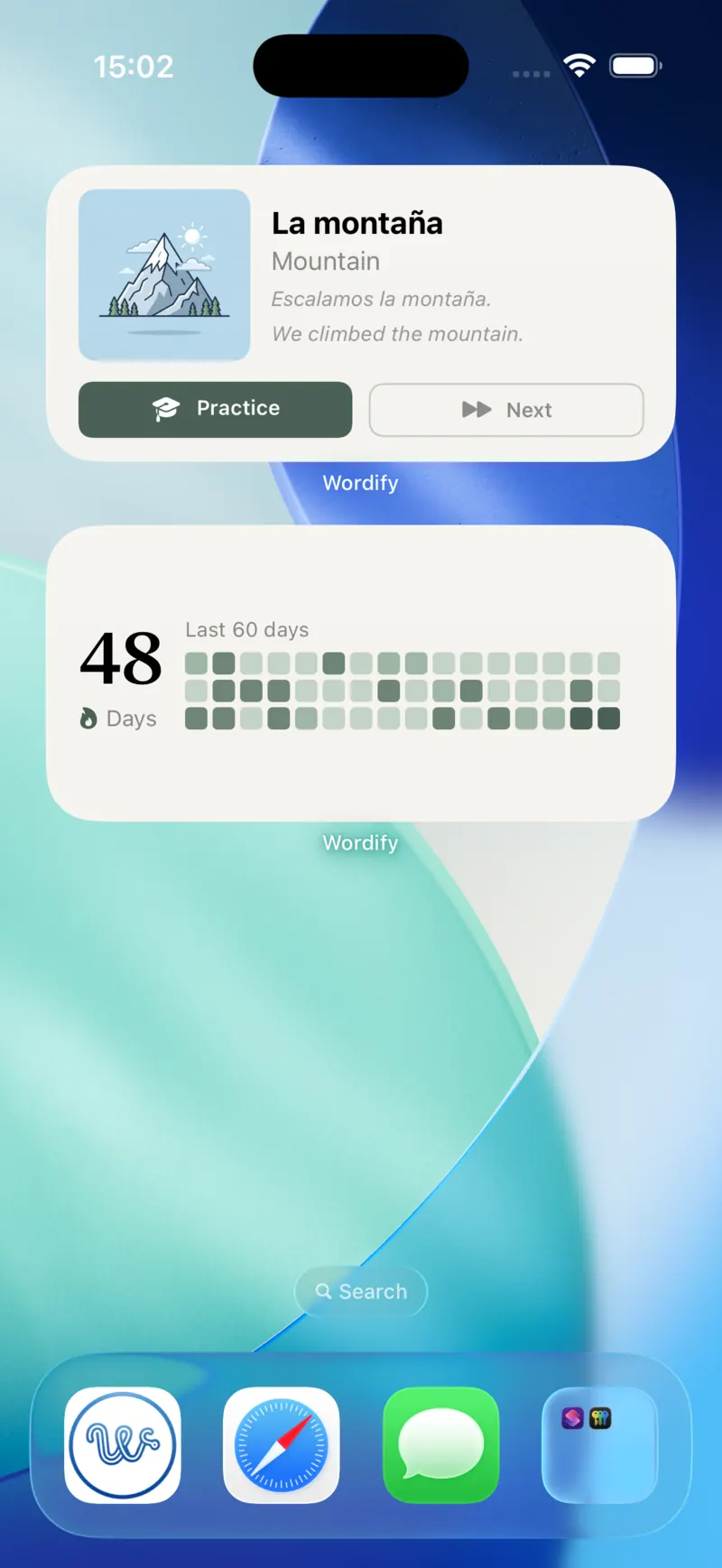
When you resize a widget, most apps scale their content: bigger widget, bigger squares. We chose a different behaviour. The heatmap derives its column count from the widget's actual measured width - so a wider widget shows more days of history, not larger cells. A compact widget might show two weeks; stretched across your home screen, it shows a month and a half or more, up to 90 days of history in total.
Same widget, three widths
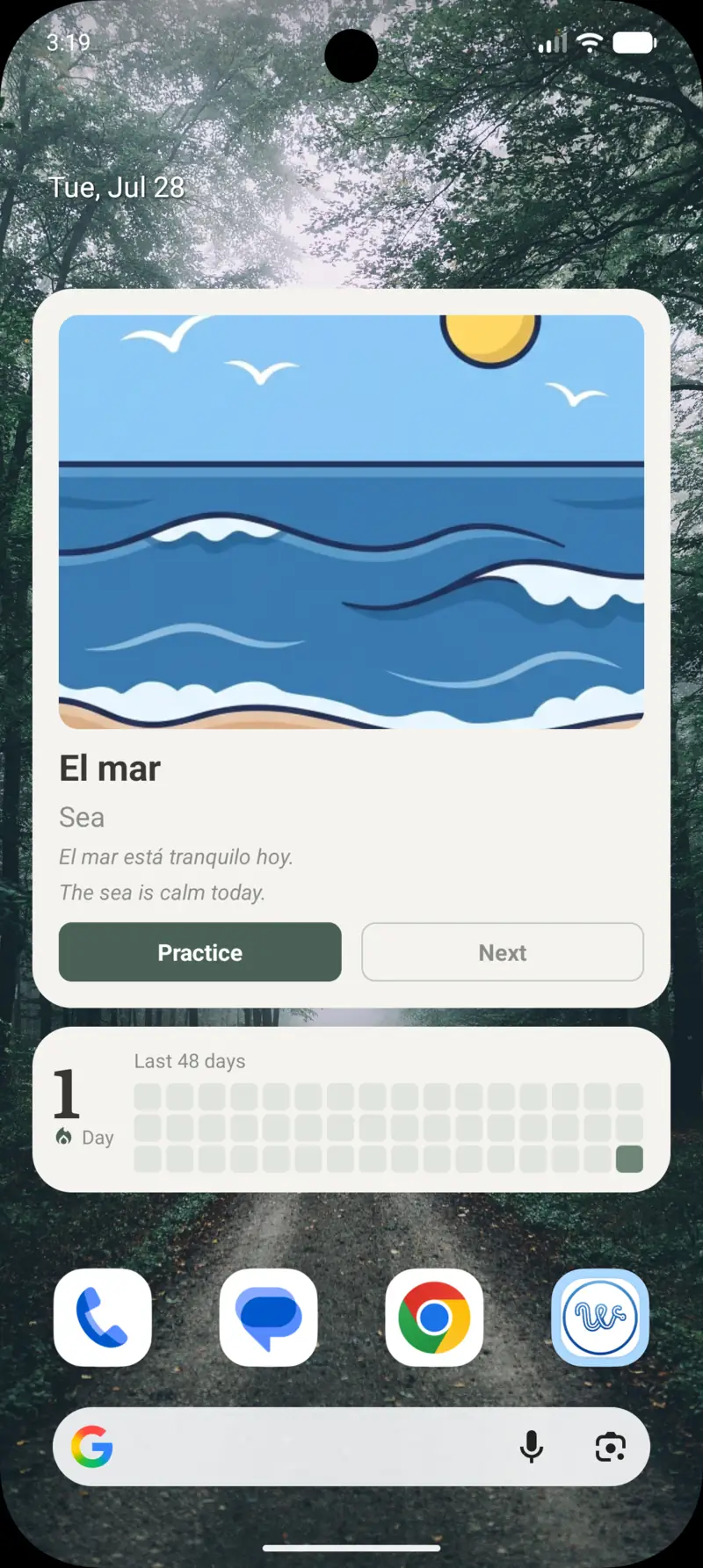
Narrow shows the last 15 days. Give it the full width of the screen and the same widget shows 48, then 60.
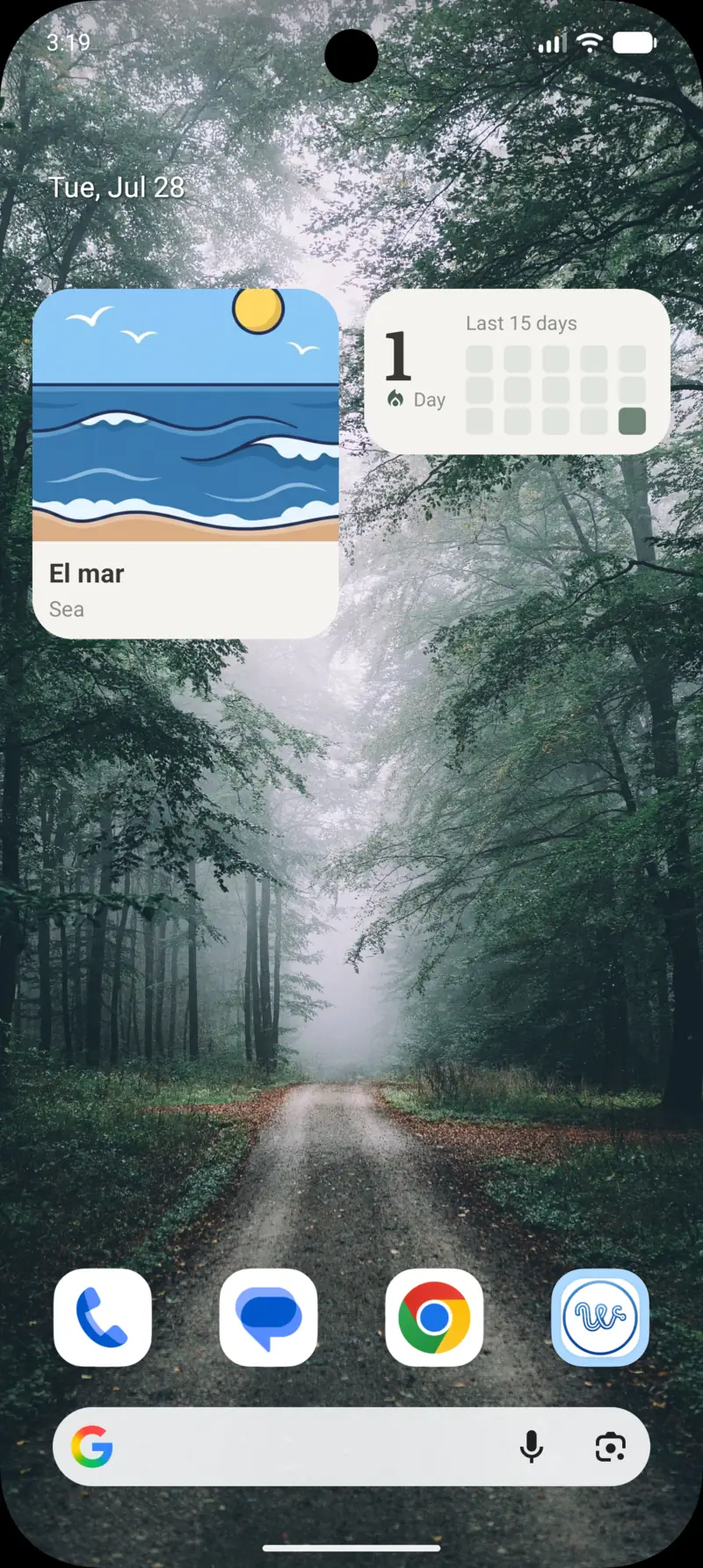
Rows are capped at three, so extra height never turns the heatmap into a wall of colour. And today's cell gets a subtle outline - but only while it is still empty. Once you have practiced, the outline disappears. It reads as "your slot for today", a quiet invitation rather than decoration.
The goal is a widget that rewards the space you give it with more information, not just more pixels.
Why "Learned" became "Practice"
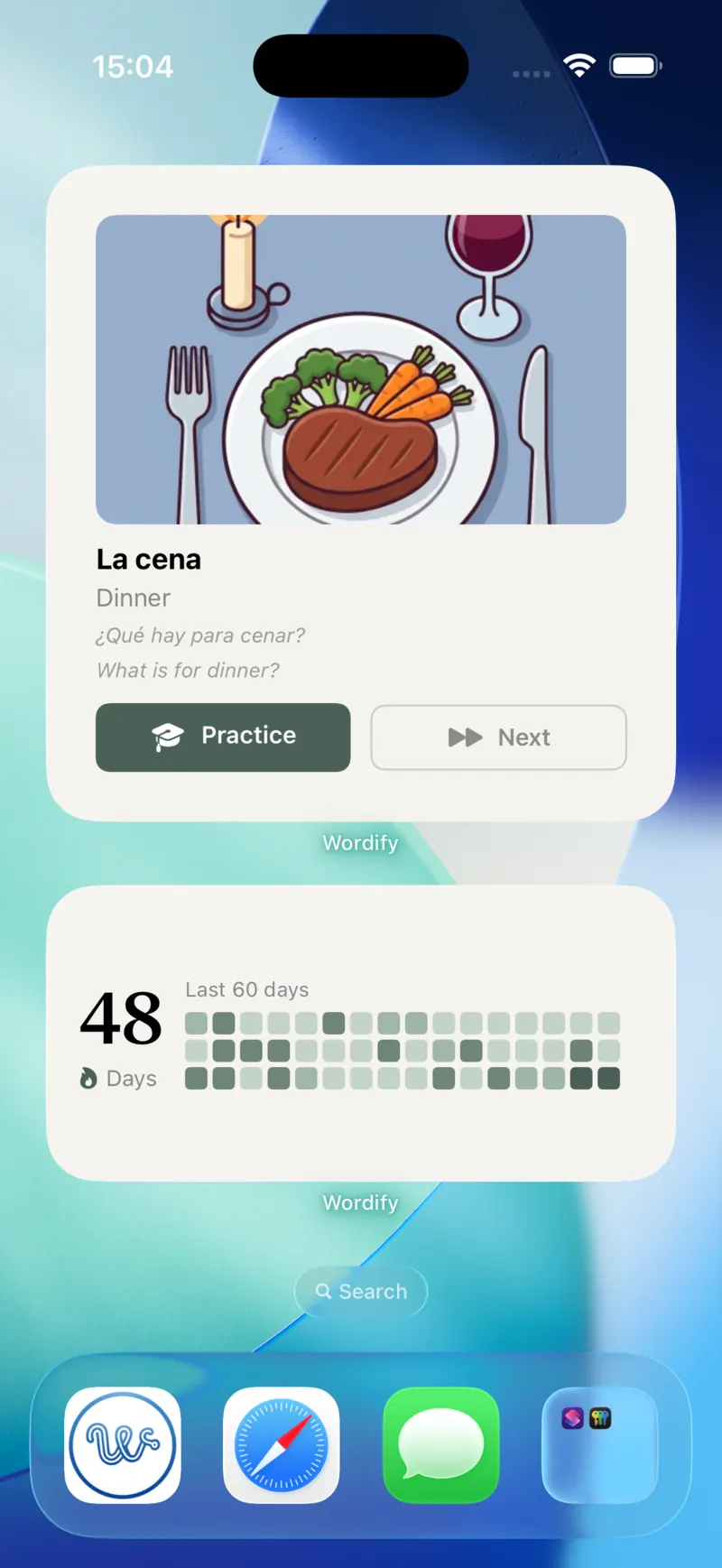
The word widget used to have a button labelled "Learned". Tap it, and the current word was marked as learned and rotated out. It felt satisfying. It was also, we realized, working against the learning science the app is built on.
Two problems.
First, Wordify already graduates words automatically. When a word's spaced repetition interval reaches 60 days - meaning you have recalled it correctly enough times, spaced far enough apart - it moves to your learned list on its own. That is the SM-2 algorithm doing its job. A manual "Learned" button duplicated this mechanism, but without the evidence.
Second, and more subtly: grading a word while its translation is visible on screen is not recall. It is recognition. You look at "el crucero - cruise" and think "yes, I know that" - but seeing the answer and retrieving the answer are entirely different mental operations, and only retrieval builds durable memory. Every tap of that button quietly inflated the SM-2 schedule with a data point that did not reflect actual knowledge. The algorithm would push the word further into the future than your memory had earned.
So the button now says "Practice", and it deep-links into a practice session. If you know the word, prove it there - with the translation hidden, the way recall actually works. The schedule stays honest, and so does your progress.
The "Learned" action itself has not disappeared - it moved. You will find it on the active word card on the main screen. That is the right home for it: a deliberate action you take inside the app, for words you genuinely knew before Wordify ever showed them to you. What changed is the widget, where a single casual tap next to a visible translation was too easy to mean anything.
Small rename. Real reasoning.
Widget previews that show your data (Android)
Until now, when you opened Android's widget picker, Wordify's widgets showed up as - the app icon. Not helpful when choosing between widget types.
The picker now shows a proper static preview of each widget layout on all Android versions. And on Android 15 and newer, it goes further: a live preview generated from your actual data, showing your real current word and your real streak. What you see in the picker is what lands on your home screen.
Two bugs, fixed
Streaks were capped at 90 days. Both the widget and the in-app card counted your streak inside the heatmap's 90-day window. If you had practiced 150 days in a row, the display said "90". The streak calculation now walks back through your history to the first actual gap, uncapped. The heatmap still shows the last 90 days - that is a window, not a limit - but the number is now your true streak.
If your streak jumped up after this update: congratulations, that was always your real number.
Widget text turned invisible after a theme switch. If you switched your phone between light and dark mode, the widget background updated but the text sometimes did not - leaving dark text on a dark background until the next scheduled refresh. The cause: text colours were being applied programmatically, which baked them into the widget snapshot. The launcher re-resolved the background on a theme flip but not the baked-in text. Colours are now theme-resolved end to end, so the widget flips cleanly with your system.
What's next: practice on the widget itself
One more thing, still in the workshop.
If you have read this far, you know how we feel about recall: seeing a word next to its translation is exposure, but retrieving it from memory is what makes it stick. So the next widget takes that logic to its natural conclusion - a quiz widget.
It shows you an image and three answer options. Tap the right one, directly on your home screen. No app launch, no session to start - a genuine act of recall in the two seconds you were already glancing at your phone. Each answer feeds your SRS schedule, the same as a full practice session would.
It is coming in one of the next updates. The streak widget will be happy to count it.
Try it
Long-press your home screen, open the widget picker, and look for the new streak widget under Wordify. Give it some width - the heatmap will use it. If you have never added one of our widgets before, here is the step-by-step for both platforms.
And if you have been tapping "Learned" out of habit: try "Practice" instead. Your memory will thank you in 60 days.
The rest of the family
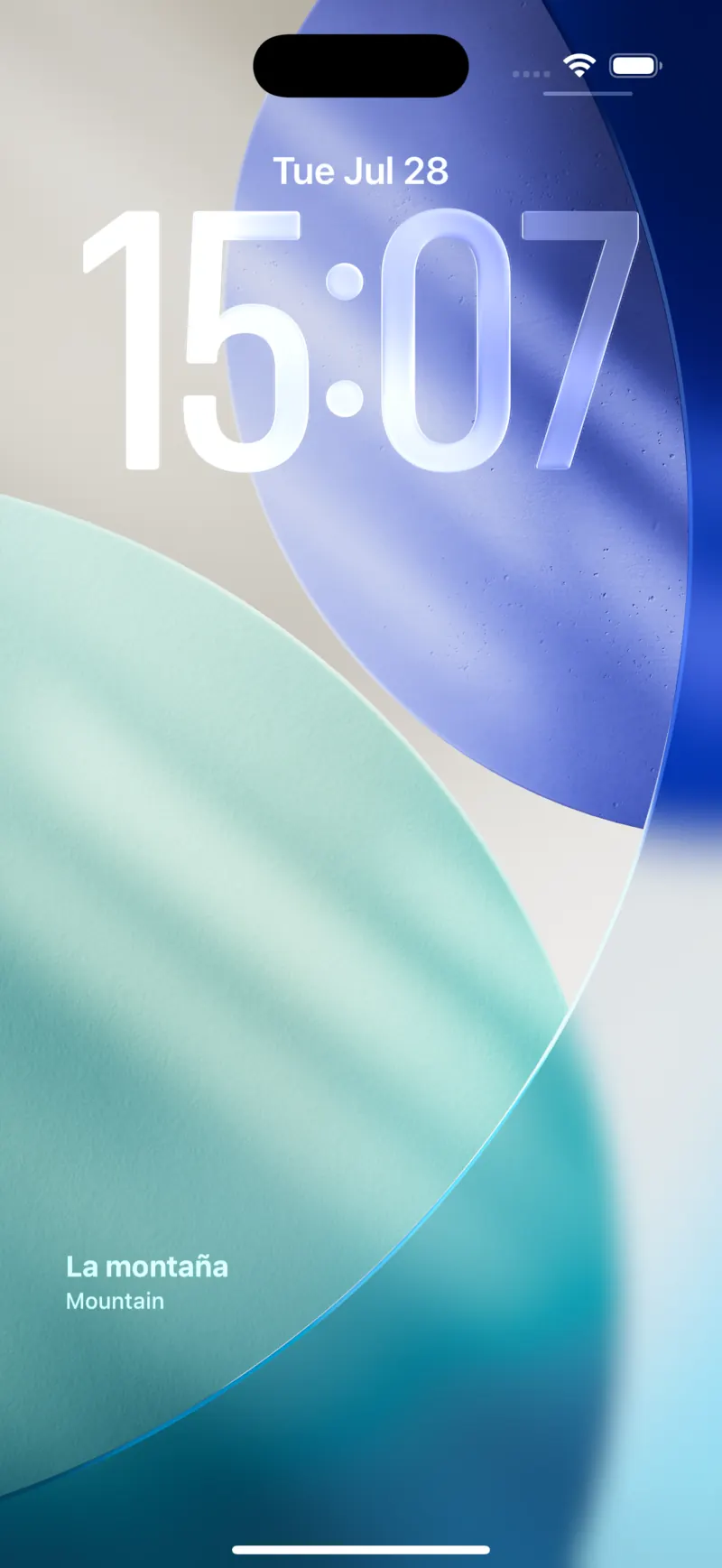
The word widget still comes in every size - including the lock screen on iOS.
Wordify is a vocabulary-learning app for iOS and Android in 10 languages, with home screen widgets, lock screen widgets (on iOS), SM-2 spaced repetition, and IPA phonetic transcription. It's available on the App Store and Google Play. 7-day free trial. Learn more at wordify.it.
See also:
- How spaced repetition actually works - the algorithm that decides which word the widget shows you next.
- Lock screen widgets that actually teach you something - an honest roundup of widget-based learning apps in 2026.
- The Wordify 2.0 redesign - why the widgets became the headline feature.
Try the app
Vocabulary that comes to you
Through home screen widgets, lock screen widgets, and notifications. 7-day free trial. No account needed.